Word search maker
Type your own words and get a word search you can play on screen or print as a PDF with an answer key. It builds in your browser, so nothing is uploaded.
Your puzzle. Drag across a word, or tap its first and last letter.
Find these words
- CIRCLE
- FIND
- GRID
- HIDDEN
- LETTERS
- PUZZLE
- SEARCH
- WORDS
Ideas for your own puzzle
Paste this week's spelling words, use Across and down, and print one per student.
Use names of guests, favorite foods and inside jokes. Print on a card and put it at each place.
Use family names, places you have lived or a shared hobby. A good conversation starter.
Need word ideas? Open a theme and use its list: Christmas, Thanksgiving, Halloween, Animals, Spring, Summer.
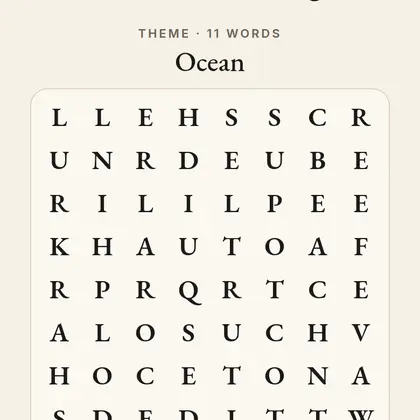
SEEK: word search with a hidden word
SEEK is the daily word search with a hidden word made of the leftover letters.
Play SEEKMore word searches
Questions
How do I make a word search?
Type your words in the box, one per line or separated by commas, choose a grid size and press Make puzzle. Then play it on screen or download the PDF.
How many words can I use?
As many as fit. A 15 by 15 grid fits about 25 words of average length. If a word does not fit, the maker tells you which ones it left out so you can enlarge the grid.
Does it include an answer key?
Yes. The PDF has the puzzle on page 1 and the answer key with every word highlighted on page 2.
Can teachers use it for spelling lists?
Yes. Paste the week spelling list, pick Easy, and print. Words are shown in capitals and can run across and down only on the Easy setting.
Is my word list saved or sent anywhere?
No. The puzzle is built in your browser. Nothing you type is uploaded.